
Poor Layer Adhesion on ASA Prints: Do You Need an Enclosure?
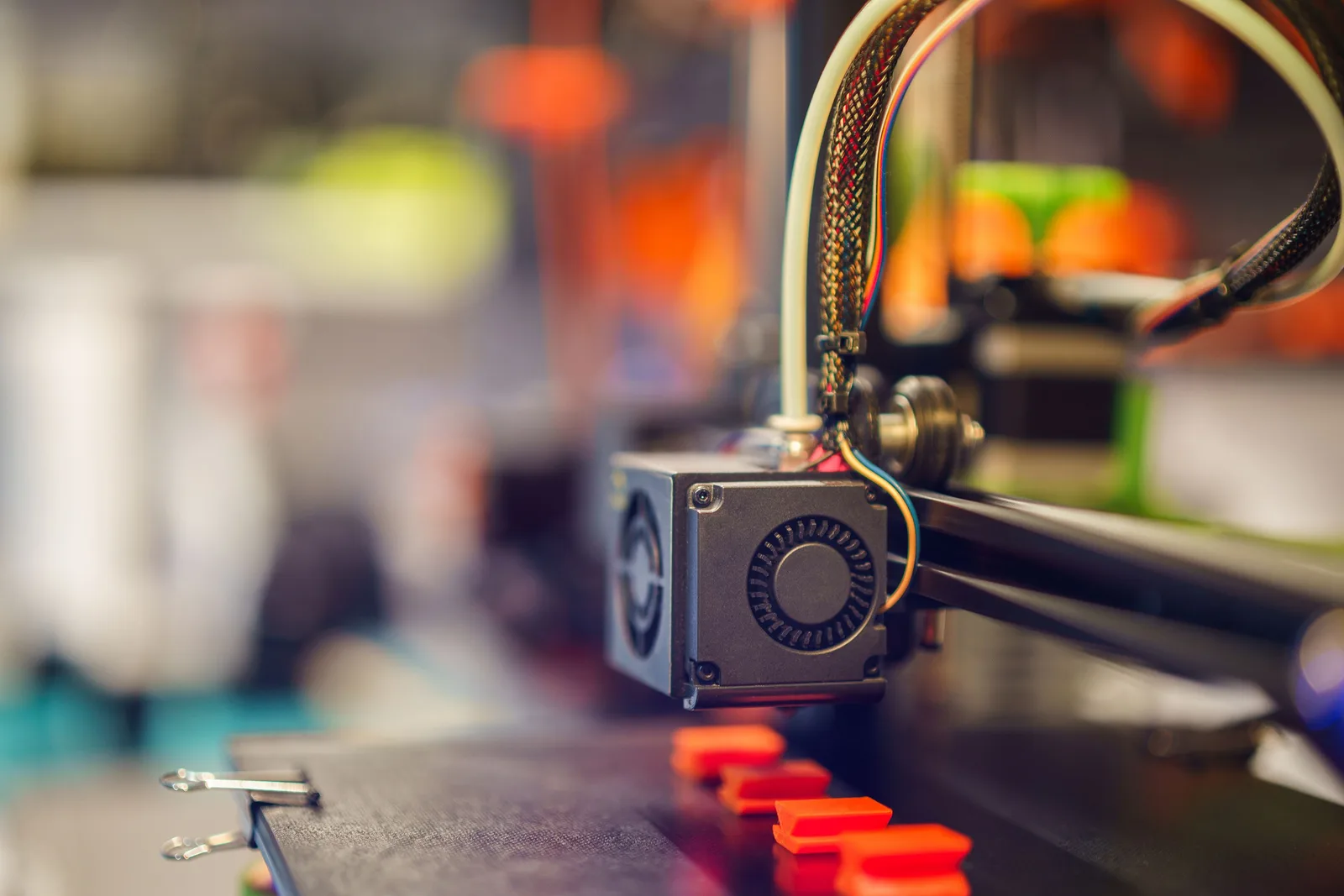
If you’re getting poor layer adhesion on ASA prints, it’s easy to jump straight to “my printer needs an enclosure.” That’s often a real factor, but an enclosure alone won’t fix the problem on its own.
ASA is a thermoplastic, amorphous engineering filament where maintaining the right thermal conditions between layers matters a lot during printing. If a new layer lands on a previous layer that’s already cooled too much, polymer diffusion and fusion between the two layers can end up weaker.
Poor ASA layer adhesion can have several causes, though:
- hotend temperature set too low,
- print speed too high for the actual heat transfer involved,
- a cold or drafty print space,
- incorrect bed temperature,
- excessive cooling,
- wet filament,
- or simply a profile that doesn’t match that specific ASA filament.
So: yes, an enclosure is genuinely an advantage for a lot of ASA use cases — but it’s worth examining the whole thermal system first.
Why is ASA printing more sensitive?
ASA is commonly used for outdoor and technical parts because it offers good UV and weather resistance and, like ABS, can be printed at relatively high temperatures. (For more on when ASA — versus another UV-resistant material — is the better choice for outdoor parts, see our earlier article: UV-Resistant vs. UV-Stable 3D Printing Materials for Outdoor Use.)
That said, printing ASA isn’t as straightforward as, say, PLA.
During FDM printing, a new layer lands on a partially cooled polymer surface. Proper layer adhesion requires enough heat to remain between the new and previous layer for the polymer chains to properly diffuse across the interface.
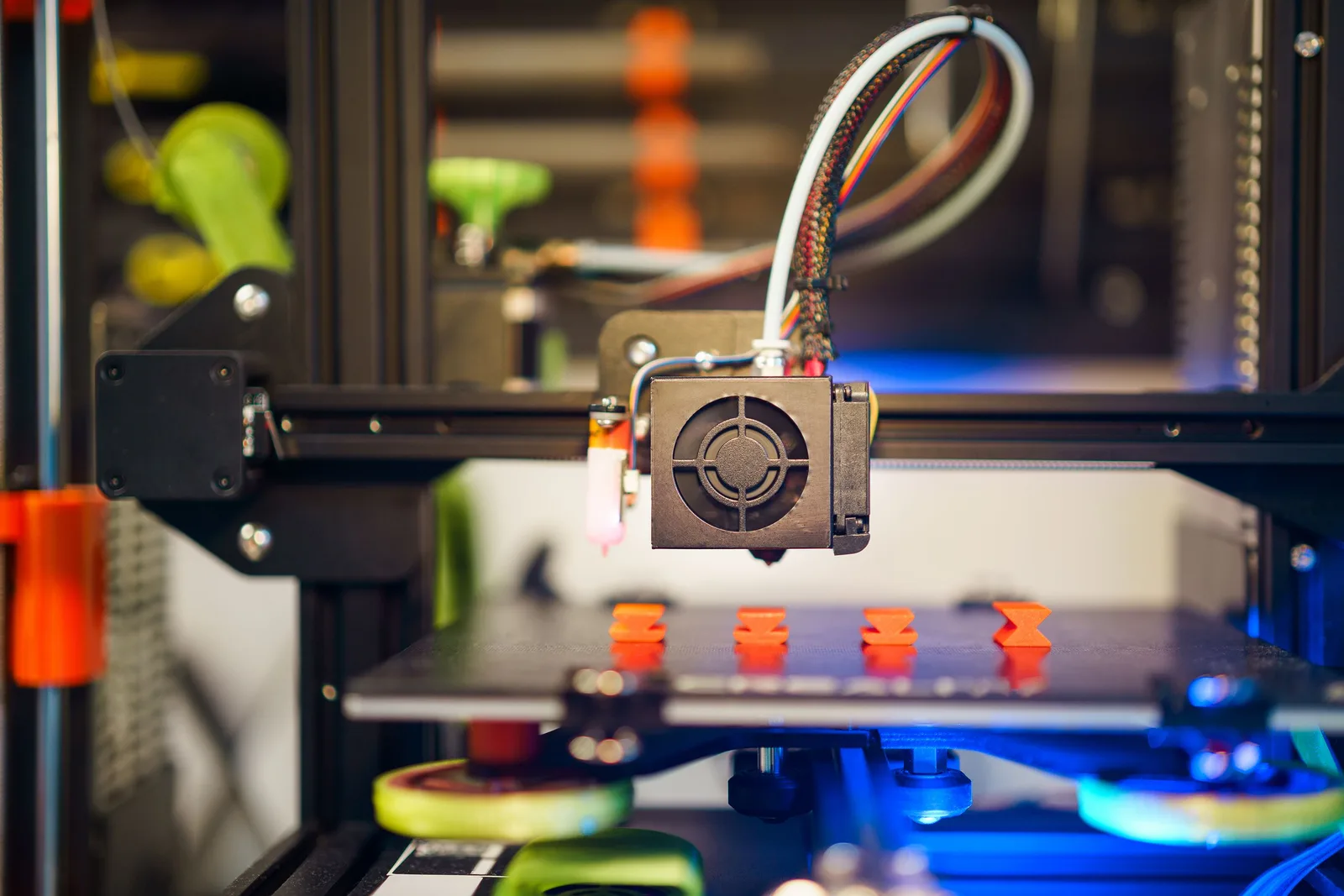
If the environment is cold, the layer solidifies quickly. This doesn’t just weaken the bond between layers — it also increases internal stress caused by temperature differences.
One visible consequence of this can be corner lifting or larger-part deformation. On smaller parts, the problem may instead show up mainly as reduced mechanical strength.
Hotend temperature is critical
For ASA, treat the manufacturer’s recommendations as a starting point, not a universal rule.
Many ASA filaments are recommended for printing at roughly 240–270 °C nozzle temperature, but the optimal value can vary by filament, nozzle, speed, and printer.
If the hotend is too cold:
- inter-layer bonding can suffer,
- the actual temperature of the extruded material can drop,
- and at higher speeds, the filament may not melt properly.
Too high a temperature isn’t automatically better either — it can hurt dimensional accuracy, increase stringing, and raise the material’s thermal load.
If layer adhesion is your only problem, it’s worth printing a temperature tower or several controlled test pieces instead of guessing and significantly raising the nozzle temperature.
Bed temperature isn’t the same thing as chamber temperature
ASA printing often conflates three different temperature concepts:
- hotend/nozzle temperature – the heat needed to melt the extruded filament,
- bed temperature – affects first-layer adhesion and the thermal state of the part’s lower section,
- chamber temperature – determines the temperature of the environment around the entire part.
The bed, in other words, can’t fully substitute for a heated chamber.
On a large ASA part, the lower layers near the bed can stay warm while the top of the part is already being built in a significantly colder environment.
That’s why a small part can print perfectly on an open machine, while a larger or thicker-walled part already warps or shows weaker layer adhesion.
Open or enclosed print space?
Open printer
On an open machine, ASA can work well for small and medium-sized parts with the right settings.
The main issue is usually a change in ambient temperature or air movement. An open window, a fan, air conditioning, or simply the airflow that naturally builds up in a room can cause a significant temperature difference around the part.
If you’re trying ASA on an open machine, it’s worth:
- turning off or minimizing part-cooling fan speed, if the filament manufacturer also recommends it,
- keeping the printer away from drafts,
- using a properly heated bed,
- and starting at a lower print speed.
Enclosed print space
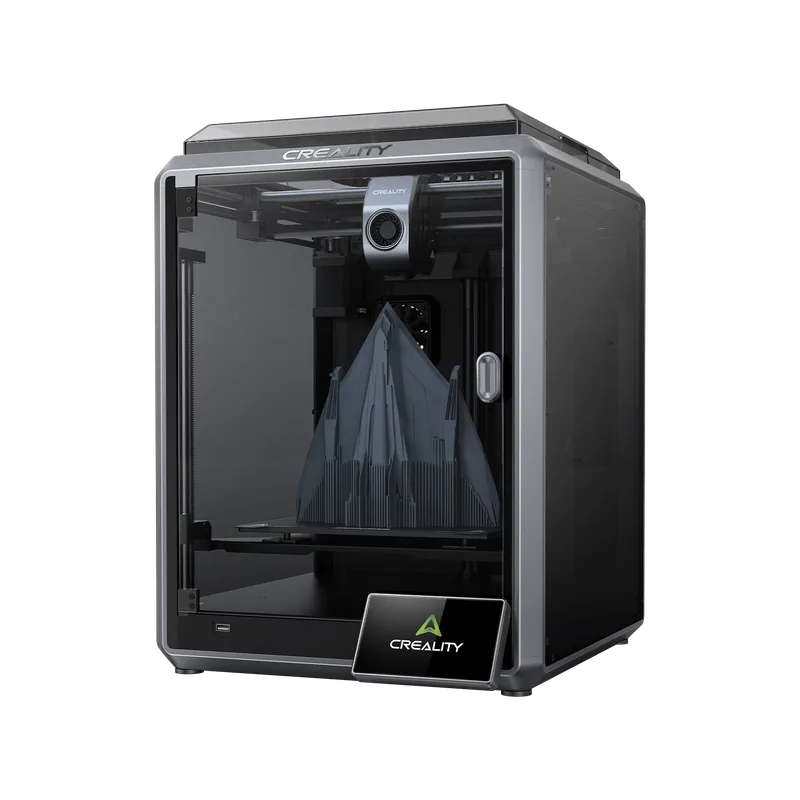
The main advantage of an enclosed space isn’t necessarily that “the chamber gets hot” — it’s that it reduces fluctuations in ambient temperature and direct airflow.
During printing, the chamber can gradually warm up from the heat of the bed and hotend, providing a more consistent environment for the part. This matters especially for large ASA parts.
An enclosed chamber, in other words, mainly improves thermal stability.
A simple enclosure, though, isn’t necessarily the same thing as an industrial-grade heated chamber. There can be a significant difference between the two in terms of the actual, controllable chamber temperature achievable.
Why might ABS have worked better?
If ABS gives you better layer adhesion than ASA on the same machine, that might seem odd at first, but it’s not inherently abnormal.
ABS and ASA belong to a similar family of amorphous plastics, but the formulation and printing behavior of specific filaments can differ. A profile tuned for one material isn’t necessarily usable unchanged for the other.
It’s also possible that a given ABS is simply less sensitive to the printer’s environment, or happens to match that specific machine’s thermal characteristics better.
If you’re getting good results with ABS but not ASA, it’s worth comparing:
- nozzle temperature,
- bed temperature,
- fan speed,
- print speed,
- layer thickness,
- filament moisture content,
- and the print space’s thermal conditions.
Don’t assume ASA “should behave the same way” as ABS.
Don’t forget about drying the filament
Wet filament is a problem that can show up with ASA too.
Filament can absorb moisture from the air during storage, and this can cause various defects during printing. One typical sign is popping or sizzling extrusion, but moisture can also affect surface quality and extrusion stability.
If layer adhesion suddenly got worse while you were previously getting good results with the exact same settings, it’s worth checking the filament’s condition too.
Always determine the exact drying temperature and time based on that specific filament’s manufacturer guidance — ASA filaments can differ from each other, so it’s not a good idea to apply one universal “ASA drying recipe” to every product. Store the dried filament in a dry environment afterward so it doesn’t pick up significant moisture again.
What ASA printing parameters should you start with?
Always set exact values based on the specific filament’s datasheet, but as a starting point, a typical ASA profile falls roughly in these ranges:
| Parameter | Starting range |
|---|---|
| Nozzle | approx. 240–270 °C |
| Bed | approx. 90–110 °C |
| Cooling | low, per the specific filament’s recommendation |
| Print speed | moderate, depending on printer and filament |
| Print space | draft-free where possible; enclosed for larger parts |
These are not universal values — they’re starting points. The specific filament’s datasheet takes priority.
When optimizing layer adhesion, change only one variable at a time. If you raise the nozzle temperature, lower the speed, turn off the fan, and enclose the machine all at once, you won’t be able to tell which change actually produced the improvement.
When is an industrial enclosed chamber actually justified?
An enclosed chamber becomes especially important once you’re no longer printing a small decorative object but a large, functional technical part.
This can include cases like:
- a large-wall ASA enclosure or housing,
- a long, thin machine part,
- a large equipment housing,
- a functional prototype,
- a part where mechanical strength matters,
- or a large geometry that takes several hours to print.
At that point, it’s no longer just about getting the first layer to stick. The goal is for the part to be built in a controlled thermal environment throughout the entire print.
This is one of the points where industrial FDM printing can differ significantly from home or hobbyist use. In a production process, repeatability can matter just as much as getting a single test piece to succeed.
If ASA layer adhesion is poor, check this first
Before buying a new printer or enclosure, it’s worth working through a simple troubleshooting sequence:
- Check the filament’s condition and dry it if needed.
- Check that specific ASA’s manufacturer-recommended nozzle and bed temperatures.
- Print a temperature test for the nozzle.
- Reduce print speed, especially at larger layer heights.
- Review the cooling settings.
- Eliminate drafts and direct airflow.
- Try it in an enclosed print space.
- If warping or weak inter-layer bonding is still significant on a large part, it’s worth considering a machine with a heated, controlled chamber.
If layer adhesion is poor even on a small test piece, it’s far more likely that the filament, temperature, or cooling settings need fixing than that you need to buy an enclosure.
If, on the other hand, you want to regularly produce large, functional ASA parts, a stable, enclosed thermal environment can already be a serious technological advantage.
ASA production in an industrial FDM system
Once you’re using ASA not for a one-off prototype but for low-volume or serial production, the question isn’t simply “can I print this.”
Repeatability, dimensional stability, mechanical properties, surface quality, and whether the same production parameters give similar results across consecutive parts all become important.
Choosing the right machine means looking at these together:
- actual chamber temperature,
- chamber temperature stability,
- the hotend’s maximum and sustained operating temperature,
- bed performance,
- build volume,
- the material’s dryability and storage,
- and that specific ASA filament’s manufacturer guidance.
An enclosed chamber isn’t a magic fix for poor ASA layer adhesion, but for large, technical parts it can be an important part of a repeatable FDM production process.
Our own work backs this up: on our large-format, outdoor “Suppressed Tears” sculpture — printed in PETG, not ASA — the engineering lesson was exactly the same. On a human-sized piece built from dozens of separate elements and exposed to outdoor loads, dimensional stability and inter-layer bonding didn’t come down to any single successful print — they came from deliberately planning the whole process: geometry, part-splitting, and the thermal environment together.
At BWE, that’s why we don’t approach industrial FDM printing starting from “what material can this be printed in” alone, but also from what geometry, size, mechanical load, quantity, and repeatability requirement the part actually needs to be produced under — our industrial FDM and MSLA 3D printing service is built around exactly this engineering approach.
Summary
ASA printing doesn’t always require an enclosed chamber, but for larger and more technically demanding parts it can be strongly recommended. If layer adhesion is already poor on a small part, though, check the filament’s condition, nozzle temperature, cooling, speed, and draft-free environment first — buying an enclosure should usually be the last step, not the first. If you regularly manufacture large or functional ASA parts and want layer adhesion and dimensional stability to be predictable on every part, request a quote for our parts manufacturing service — our engineering team can help plan the technology, material, and production parameters together.
Related Articles
Planning a Similar Project?
Send us your model or drawing — free consultation, with personalized quotes within 24 hours.